
Website design is the most crucial step for any business looking to establish a real online presence. A website is a fully owned digital space containing business information, services, and products, accessible to customers anytime via smartphone or computer. Unlike social media pages, a website is not governed by third-party platform algorithms, remaining entirely under the owner’s control.
The sources for creating websites vary widely; there are free tools that allow building a simple site within minutes, as well as paid solutions relying on custom coding or professional content management systems. Choosing among these options depends on the nature of your business, available budget, and ultimate goal, which we will detail in this guide.
The Difference Between Websites and Social Media Pages:
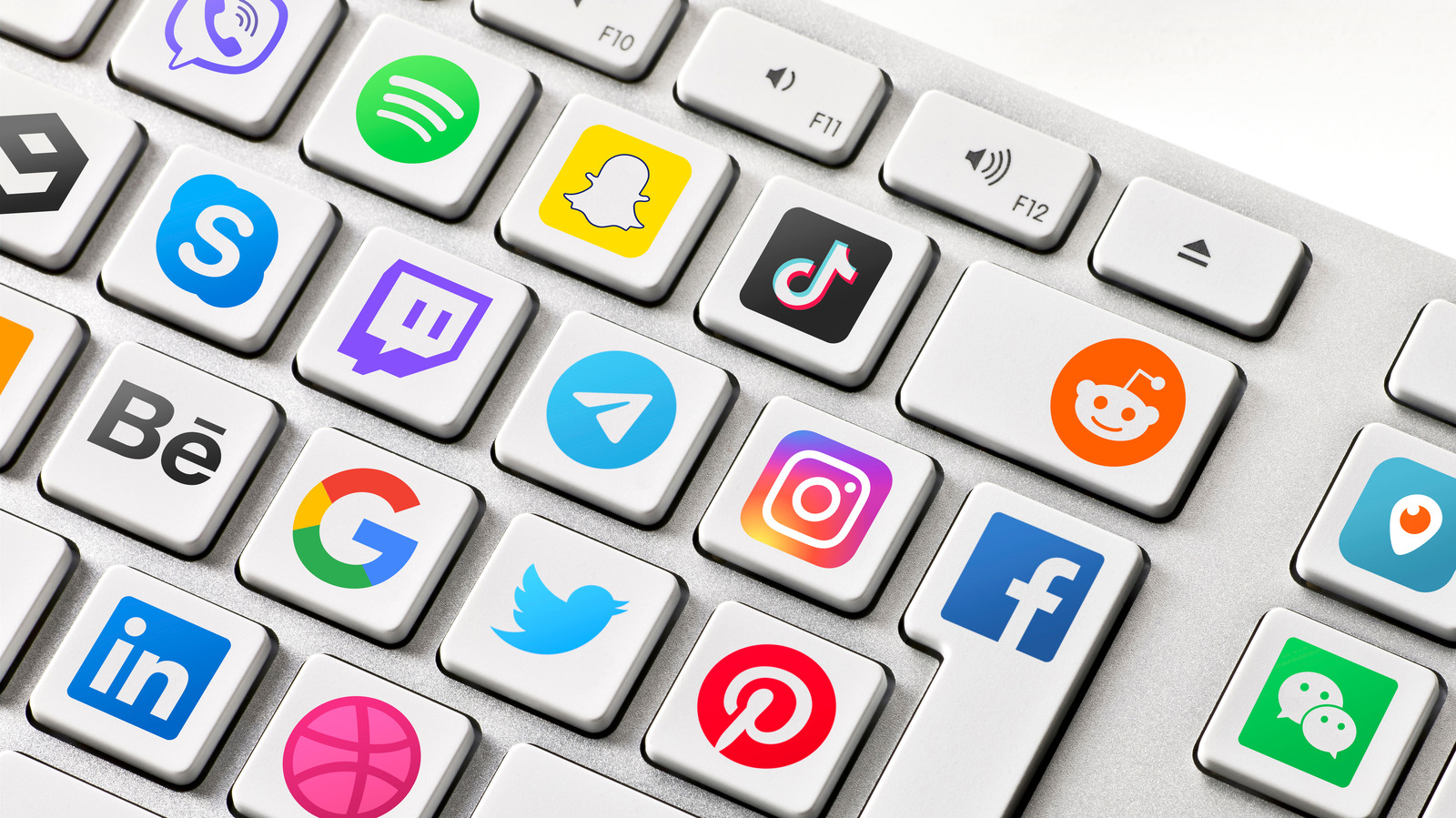
Many business owners believe that a Facebook or Instagram page is enough to represent their business, which is only partially true. Social media pages are an excellent channel for direct communication with customers, handling reservations, answering inquiries, and sometimes making actual sales.
However, website design ultimately gives a business the professional image and credibility customers seek before making a purchase decision. When a customer searches for a company, clinic, or restaurant and finds an organized, fast website, it gives the impression of a serious and professional business, something difficult to achieve through a social media page alone.
Does Every Business Need a Website Design?
The short answer: yes, but to varying degrees depending on business nature. Key activities that essentially require a website include:
- Companies: To showcase services and build trust with potential clients and partners.
- E-commerce Stores: The website is the primary sales engine, not an option.
- Doctors and Clinics: To display specialties, online booking, and contact details.
- Restaurants and Cafes: To present menus, locations, and delivery or reservation services.
- Fit-out and Construction Companies: To showcase past work (portfolio) and build trust with quality-seeking clients.
Who Can Delay Building a Website?
Despite its importance, there are cases where temporary postponement is preferred until vision becomes clearer:
- Someone with an underdeveloped business idea.
- Anyone still at the early project stage who hasn’t tested the market yet.
- Those lacking a full budget to execute a website at their desired standard.
In these cases, starting with a simple social media presence is better, moving to a professional website once the idea and budget stabilize.
What Are the Essential Components of a Website?
Before purchasing website design services, understanding core components ensures you receive a complete deliverable rather than a partial one.
Domain Name:
It is the web address visitors type in the browser to reach you (e.g., www.example.com). The domain name must be owned by you, not the design agency, and should ideally be short, memorable, and tied to your business name.
Web Hosting:
The space storing your website files and databases, making it accessible online 24/7. Hosting quality directly affects site speed and stability.

Difference Between Free and Paid Hosting:
Free hosting is often limited in space, slow, contains uncontrolled ads, and lacks proper security. Paid hosting offers larger space, higher speed, technical support, and periodic backups—making it the ideal choice for any serious business.
Database:
Where dynamic site data is stored (articles, products, customer data, orders). Static websites usually don’t require a database, whereas dynamic sites depend on it entirely.
Website Files:
The source code and design files forming the site (code, images, fonts, configs). Ensure you obtain a full copy or verify they are documented and saved securely with your provider.
Frontend (User Interface):
The visible portion visitors interact with: design, colors, fonts, and content presentation. The frontend drives first impressions and navigation ease.
Control Panel (Backend or CMS):
The backend is managed by the site owner to add content, update prices, or publish articles. While the backend is the code system connecting control panels to the frontend and database, a Content Management System (CMS) provides a user-friendly layer over the backend for non-coders.
What Are the Types of Websites?
Websites vary based on goals and management style, determining tech stack and build methods. Generally, websites split into two primary types: static websites and dynamic websites. Understanding their differences helps select the right fit regarding cost, management ease, and future scalability.
Static Website
A static website displays pages as-is without automated content changes; updating data requires modifying source code directly.
Advantages: High load speed, lower cost, relatively higher security due to database absence. Disadvantages: Hard to update content continuously, unsuitable for large-scale sites. Best suited for: Static content that rarely changes (e.g., landing pages, simple brochure sites, personal portfolios).
Dynamic Website
A dynamic website relies on a database, enabling continuous content updates without editing source code.
Advantages: Easy content updates, interactive user capabilities (booking, registration, purchasing). Disadvantages: Higher cost, requires routine maintenance for performance and security. Best suited for: Frequently updated or interactive websites (e.g., e-commerce stores, blogs, booking sites, news portals).
Most Popular Programming Languages Used in website design:
1- HTML:
The fundamental language for structuring pages, defining elements like headings, paragraphs, and images.
2- CSS:
Responsible for visual styling: colors, typography, and element spacing.
3- JavaScript:
Adds interactivity, such as dropdown menus, animations, and form validations.
4- PHP:
A server-side programming language widely used to build dynamic websites and powers WordPress.
5- Python:
A versatile language used in web development via frameworks like Django and Flask, known for readability and handling large data.
6- React:
A JavaScript library for building fast, interactive user interfaces, preferred for complex user experience needs.
7- Laravel:
A PHP-based framework used to build secure, high-performance web applications and design solutions for mid-to-large projects.
Do I Need a Developer, or Can I Build the Website Myself?
Both options are valid; the right choice depends on project nature, budget, and long-term goals.
When Is WordPress Enough?
WordPress is a suitable choice if you want a professional site quickly and cost-effectively without complex custom functionality. It works great for:
- Corporate brochure websites.
- Blogs or news sites.
- Personal websites or portfolios.
- Clinics or law firm websites.
- E-commerce stores via WooCommerce.
- Simple appointment booking sites.
- Landing Pages.
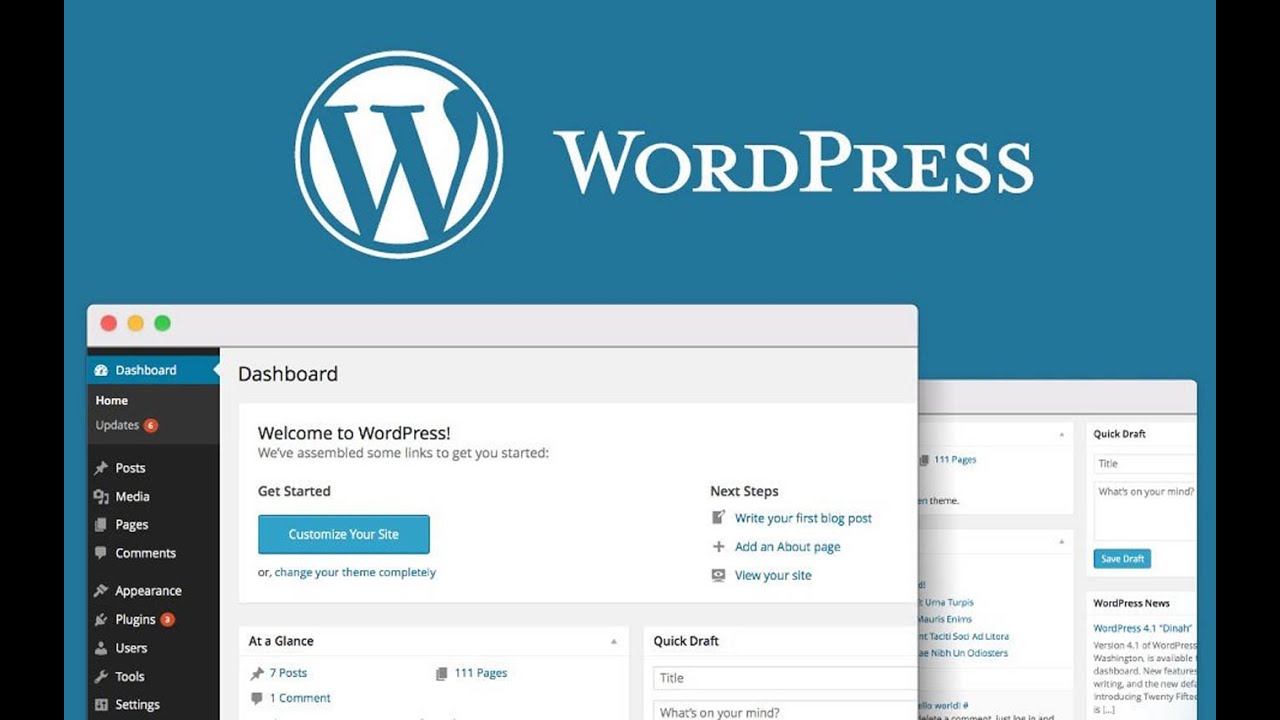
WordPress Advantages:
- Lower cost compared to custom development.
- Easy content management without programming knowledge.
- Thousands of ready-made themes and plugins.
- SEO-friendly when properly configured.
- Scalable with new features as your business grows.
If your requirements can be fulfilled via reliable themes and plugins, building from scratch is usually unnecessary.
When Do You Need a website design agency?
Hiring a specialized agency doesn’t always mean custom development, but it remains the best route for professional execution and end-to-end project management. Partner with an agency if:
- You lack technical knowledge to build and manage a site.
- You need a custom design reflecting your brand identity.
- You want a turnkey site optimized for UX and loading performance.
- You need auxiliary services like copywriting, SEO, and integrations (analytics/booking engines).
Steps to Build and Design a Website:
Creating a successful website goes beyond attractive design; it starts with planning and ends with launch and ongoing optimization. Every step directly impacts user experience, search engine ranking, and business conversions.
1. Goal Definition:
Define your primary site goal: selling products, offering services, or building brand identity? A clear goal dictates site type, design layout, and content strategy.
2. Domain Name Selection:
Select a short, memorable domain reflecting your brand or business line, keeping spelling simple for easy user access.
3. Web Hosting Selection:
Choose a reliable hosting provider offering fast speeds, robust security, and quality support, ensuring upgradeability as traffic grows.
4. Page Design:
Design core pages (Home, About Us, Services/Products, Contact) focusing on intuitive navigation and cohesive brand alignment.
5. Copywriting:
Write clear content explaining your offerings and addressing client queries, naturally integrating relevant keywords for search engines.
6. Search Engine Optimization (SEO):
Optimize for search engines via meta titles/descriptions, structured internal links, load speed optimization, and mobile responsiveness.
7. Testing & Quality Assurance:
Before launching, test across various browsers and devices, verifying links, forms, navigation buttons, and page speed.
8. Site Launch:
Following final reviews, launch the site publicly and monitor performance continuously via analytics to optimize traffic and user behavior.
Fundamentals of Professional website design
Successful website design relies on technical and design factors influencing UX, visitor trust, and search rankings. Keep these core fundamentals in mind:
Website Speed:
Page speed directly shapes user experience—visitors expect pages to load in seconds. Faster speeds boost retention and conversion rates, while slow sites cause high bounce rates.
User Experience (UX) and User Interface (UI):
UX design focuses on site usability and seamless information retrieval, while UI focuses on visual aesthetic, typography, colors, and buttons. Combining both yields a professional high-converting site.
Security:
Protecting user data is essential for professional sites, especially when handling registration, transactions, or personal data. Secure sites foster customer trust and mitigate breach risks.
SSL Certificate:
An SSL certificate encrypts data exchanged between the browser and server, converting HTTP to HTTPS. It builds visitor trust and serves as a positive ranking signal for search engines.
Importance of On-Site Content:
When receiving a completed site structure from an agency, it often lacks final content. Guided by site strategy and keyword research, copywriting begins across key categories.
Service & Product Pages:
Pages explaining offerings in detail, enabling visitors to understand your value proposition and make buying decisions.
Blog Articles:
Articles support search visibility, especially in competitive niches, by targeting long-tail keywords and answering client questions.
Call to Action (CTA):
CTAs guide visitors toward the desired next step after reading content (e.g., “Book Now,” “Contact Us,” or “Get a Quote”).
Common website design mistakes to avoid:
A visually appealing site may fail to deliver business outcomes due to fundamental flaws during or after launch. Avoiding these errors ensures better UX, stronger SEO rankings, and long-term stability.
Choosing Weak Hosting:
Relying on cheap or unreliable hosting leads to slow load times, frequent outages, and lower search rankings.
Slow Loading Times:
Speed is critical for visitor retention. Prolonged loading causes visitors to leave before viewing content, damaging conversion rates.
Ignoring Mobile Optimization:
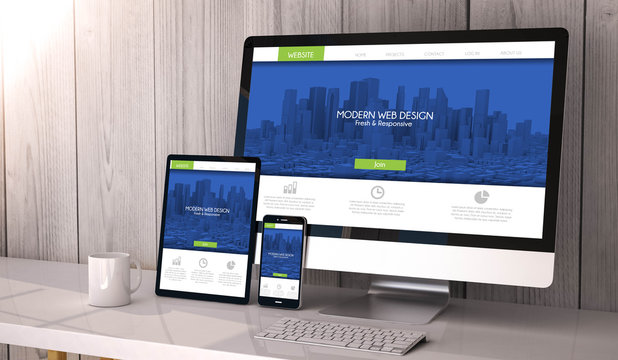
With most web traffic originating from mobile devices, a non-responsive layout causes poor UX and substantial audience loss.
Plugin Overuse:
Excessive plugins, especially on WordPress, slow down performance, create code conflicts, and introduce security vulnerabilities.
Lack of Backups:
Neglecting routine automated backups risks total data loss during server failures, technical glitches, or cyberattacks.
Neglecting Security Maintenance:
Failing to update CMS core, themes, and plugins increases hack risks, harming visitor trust and brand reputation.
Ignoring Search Engine Optimization (SEO):
Even the most stunning site won’t attract organic leads without baseline SEO, clear page structure, proper headings, and speed optimization.
Conclusion
Website design is an integrated ecosystem starting from domain and hosting setup, building a fast and secure platform, and crafting strategic content that serves visitors and hits business objectives. Whether choosing WordPress for speed and simplicity or hiring an agency for custom needs, your site must reflect professional standards and deliver an exceptional user experience from day one.
If you’re looking to launch or upgrade your web presence, get started now by defining your goals clearly and consulting with specialists to build the best solution for your business budget.