
In the fast-moving world of digital marketing, social media networks and email sometimes suffer from falling open and engagement rates because of ad clutter. That is where this WhatsApp Business Marketing Guide comes in: it gives you the fastest, most direct way to reach your customers right inside their daily conversations.
WhatsApp is no longer just an app for messaging friends and family. It has become an extremely powerful sales and business communication platform, with open rates of more than 98% and conversion rates that far exceed traditional channels.
If you want to build a close, direct relationship with your customers, increase sales, and deliver outstanding round-the-clock customer service, this WhatsApp Business Marketing Guide covers everything you need to know, from initial setup and the differences between the WhatsApp apps to advanced strategies and performance measurement.
How Does WhatsApp Marketing Work?
Marketing on WhatsApp is built on a simple but powerful idea: direct, personal communication with the customer in their favorite digital space. Instead of waiting for customers to open your email or stumble across your ad while browsing, WhatsApp lets you send your message straight to their mobile phone.
The system relies on a few core components and methods:
- Permission-Based Marketing: You can’t message customers effectively without getting blocked unless they have given you their prior consent to receive your messages. This makes your target audience more willing to engage and buy.
- One-to-One Messaging: Live chat with your sales or support representatives, which gives customers the feeling of personal attention.
- Broadcast Lists: The ability to send a single message to hundreds of customers at once, with each contact receiving it as if it were a private one-to-one conversation.
- Automation and Chatbots: Using software and automated replies to answer common customer questions and guide customers through your sales funnel 24 hours a day, with no human intervention.
What Is the Difference Between WhatsApp Business App and WhatsApp Business Platform?
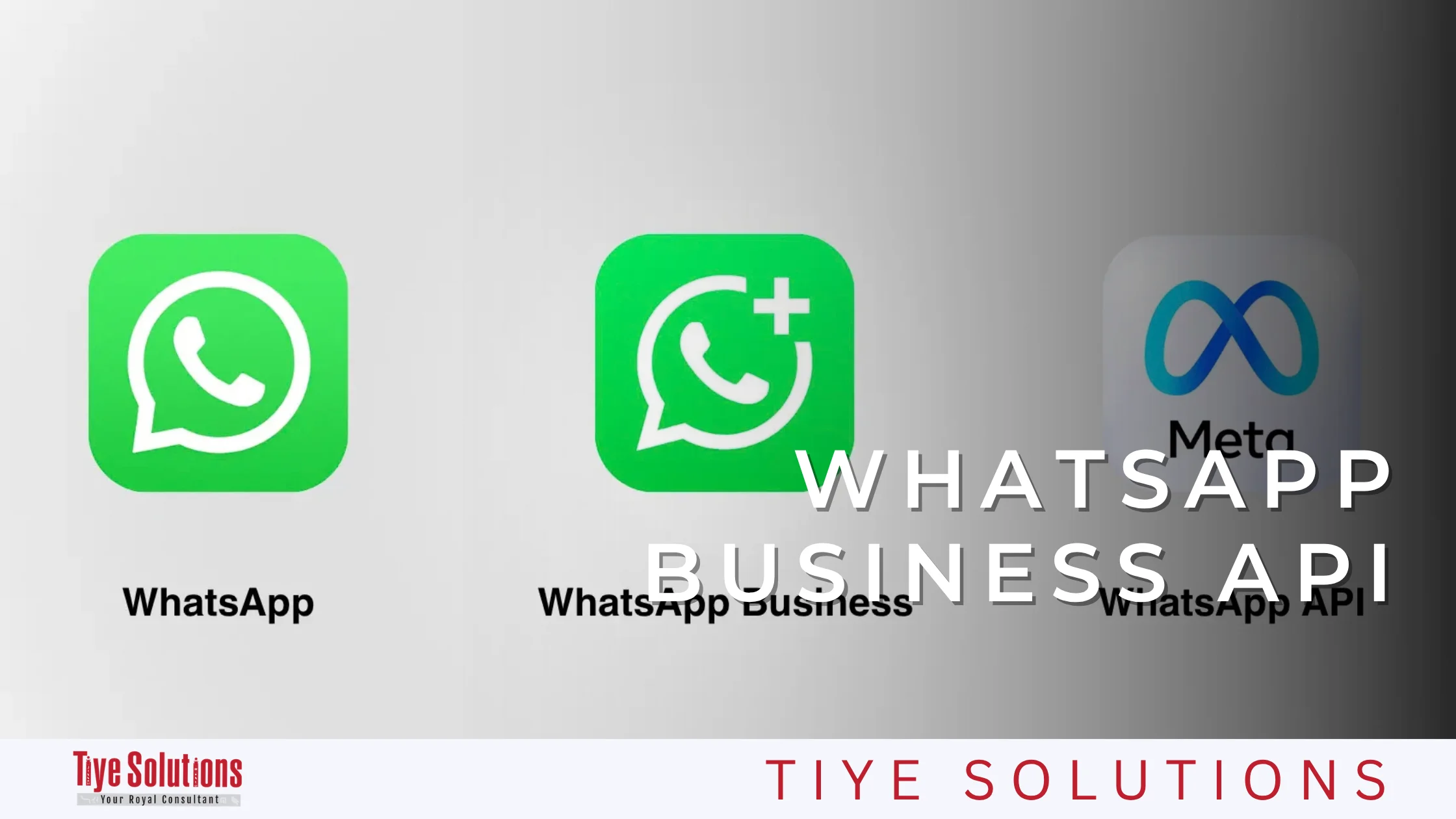
When you start marketing on WhatsApp, you will notice two options: WhatsApp Business App and WhatsApp Business Platform. Despite the similar names, the right choice depends on the nature and size of your business. The first is the free app that anyone can download, and it suits small and medium-sized businesses because it is free and easy to use.
The second is a programming interface, or API, that you can build into your business operations. It is the more advanced option, suited to larger companies that need more complex or large-scale capabilities. The table below compares the two in detail.
| Comparison Point | WhatsApp Business App (Free App) | WhatsApp Business Platform (API) |
| Target audience | Very small businesses, startups, and local shops. | Medium and large companies and big online stores. |
| How it’s used | An app you download for free on your mobile phone, with a desktop or web version also available. | Software connected through management platforms (CRMs) and cloud tools; requires developers or Meta partners. |
| Number of users/devices | One phone, plus up to 4 additional linked devices via web. | Unlimited employees and customer service agents working on a single number. |
| Automation and AI | Simple automated replies (greeting message, away message, and quick replies). | Advanced chatbot, fully automated customer journeys, and integrated sales workflows. |
| Broadcast lists | Up to 256 contacts per list (recipients must have saved your number). | Thousands or millions of personalized messages to large audiences, with no need for recipients to save your number. |
| System integration | No complex direct integration with external CRM systems. | Integrates easily with customer relationship management (CRM) systems and e-commerce platforms such as Shopify. |
| Green tick (verification) | Generally not available for the standard free app. | You can apply for the verified green badge next to your company name. |
| Price | Free | Paid (platform subscription starting from $30–$50 per month, plus small per-message fees depending on the customer’s country). |
Key Benefits of WhatsApp Business Marketing
Why are major brands shifting their marketing budgets and activity to WhatsApp? Here are the main advantages that make it an indispensable platform:
- Exceptional open and engagement rates: WhatsApp messages enjoy open rates above 98%, compared with average email open rates of roughly 15% to 25%.
Open rate is the percentage of recipients who open and read your message out of the total number of messages sent. With WhatsApp, an average of 98% of the people who receive your messages will read them rather than delete or ignore them, unlike email.
- Fast customer response: Most users read messages within the first five minutes of receiving them, which helps you close deals and convert sales faster.
- Long-term, genuine relationships: A conversational style removes the formal gap between customer and company, which builds customer loyalty and the desire to buy again.
- Rich media support: Just like email, WhatsApp lets you send media and attachments. You can share high-quality images, promotional videos, PDF files (catalogs and guides), voice notes, and locations, but in a faster, more interactive, and more flexible way that lets customers open and browse everything with a single tap inside the chat, without downloading external files.
- Shopping carts and a built-in catalog: Showcase products directly inside the app and let customers add items to their cart and buy without leaving the conversation.
- High return on investment (ROI): Thanks to high conversion rates, the ROI of WhatsApp marketing is among the highest of all digital marketing channels.
How to Set Up a WhatsApp Business Account Step by Step
To start using the WhatsApp Business app in a professional way that reflects your brand’s credibility, follow these steps:
Step 1: Download the App and Create Your Account
Download the free WhatsApp Business app from Google Play or the Apple App Store. Enter a dedicated business phone number (preferably not your personal number) and verify it with an OTP code.
Step 2: Set Up Your Business Profile
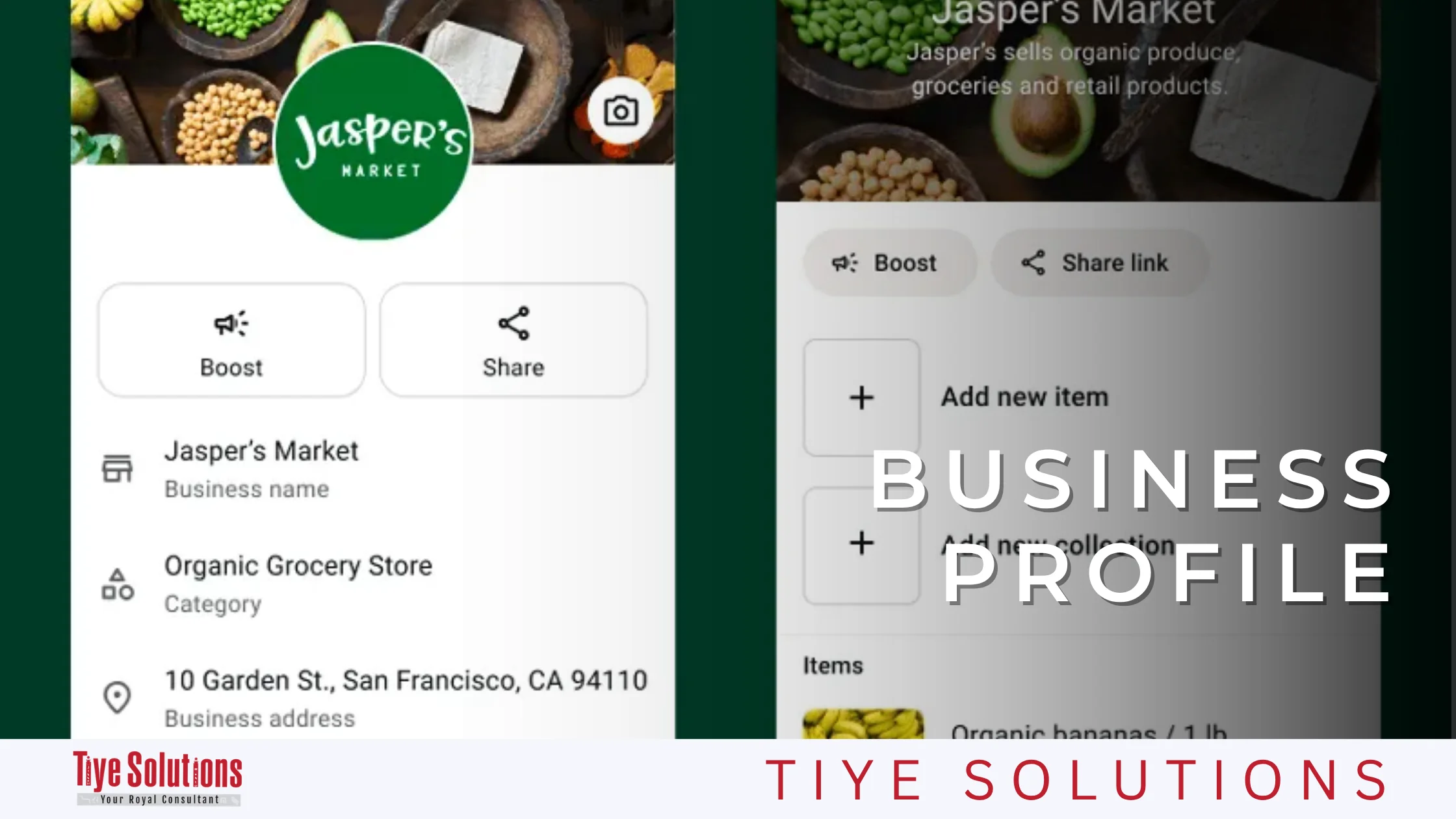
Take your business to a professional level by going to Business Tools and opening your business profile:
- Business name: Choose a clear name that matches your brand.
- Business logo (profile picture): Upload a high-resolution logo.
- Category and description: Select your industry and write a short, compelling description of the services you offer.
- Address and business hours: Add your location and your active working hours so customers know when you are available.
- Email and website: Add your website links to drive traffic and guide customers to your online presence.
- Username: Set an official, consistent username that matches your brand name exactly. A username helps protect your business identity and makes it quicker for customers to reach you without needing to share the account’s actual phone number.
Step 3: Set Up Your Initial Messaging Tools
- Greeting Message: Shown automatically to customers who message you for the first time or after 14 days of inactivity.
- Away Message: Sent when someone messages you outside official business hours, letting them know when to expect a reply.
- Quick Replies: Set up shortcuts for ready-made answers to frequently asked questions (such as shipping prices and payment methods).
Top WhatsApp Marketing Strategies
To achieve tangible, lasting results, you should not message at random. Follow well-planned marketing strategies instead.
1. Build an Opt-In Customer List
Never buy random phone number databases; doing so will get your number blocked immediately and cost you your credibility. Instead, attract customers through:
- WhatsApp buttons on your website and across the integrated digital marketing solutions you offer.
- “Click-to-WhatsApp” ads on Facebook and Instagram.
- Free resources (lead magnets) or discount codes in exchange for subscribing to your WhatsApp updates.
2. Audience Segmentation
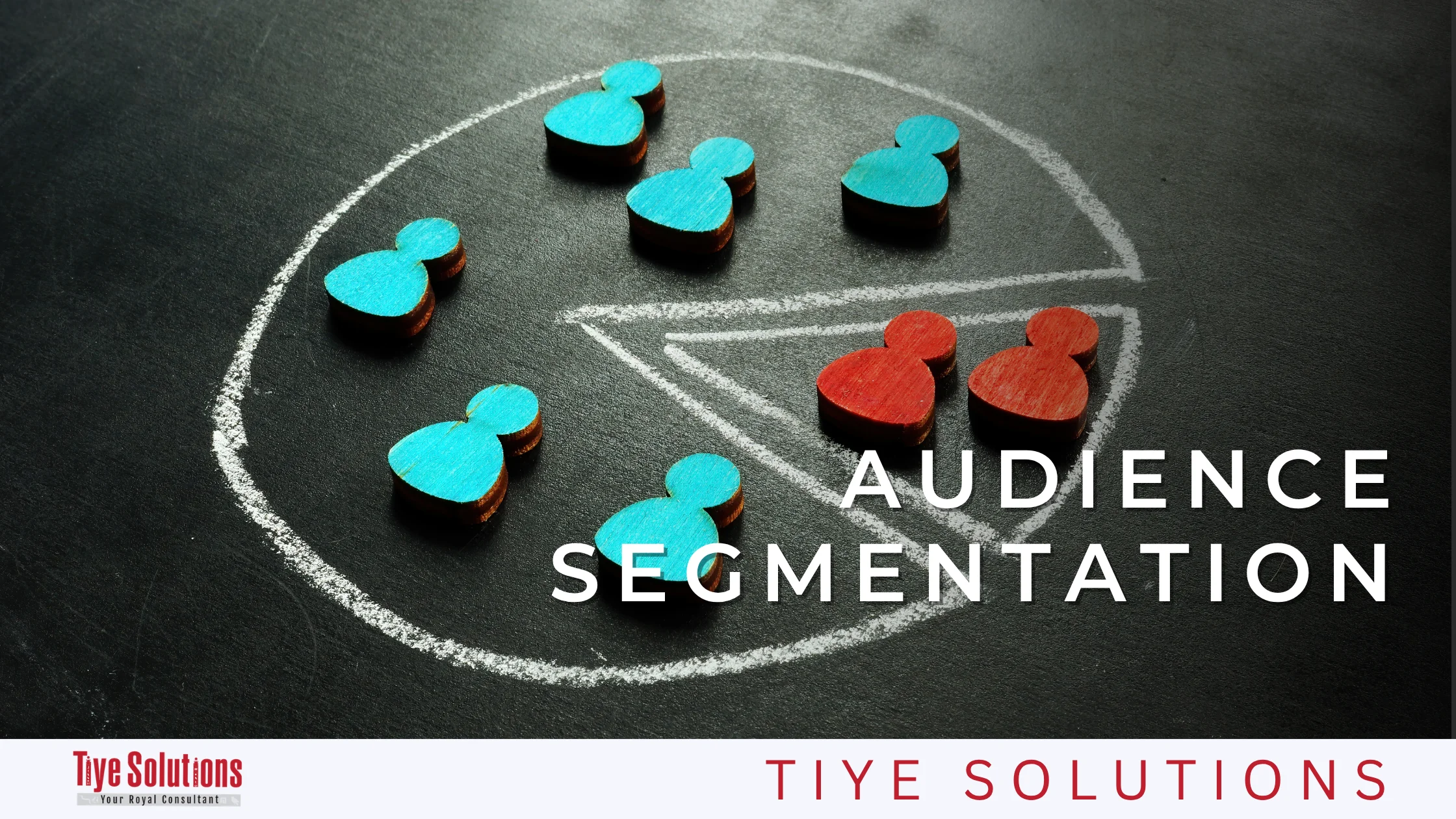
Segmenting your database is the real secret to increasing sales. Divide your customers based on:
- Buying behavior: New customers, loyal customers, and lapsed customers who haven’t purchased in a while.
- Interests: Grouping by the type of products they prefer.
- Stage in the marketing funnel: Initial inquiry, price quote request, ready to buy.
3. Retargeting and Abandoned Cart Recovery
Automating abandoned cart reminders for your online store through WhatsApp is one of the most successful ways to win back lost sales, with cart recovery rates reaching more than 30%.
4. Excellent Customer Service and After-Sales Support
Use the app to send order confirmations and shipment tracking numbers, collect customer feedback, and provide fast, direct technical support.
How to Use the Catalog and Automated Replies
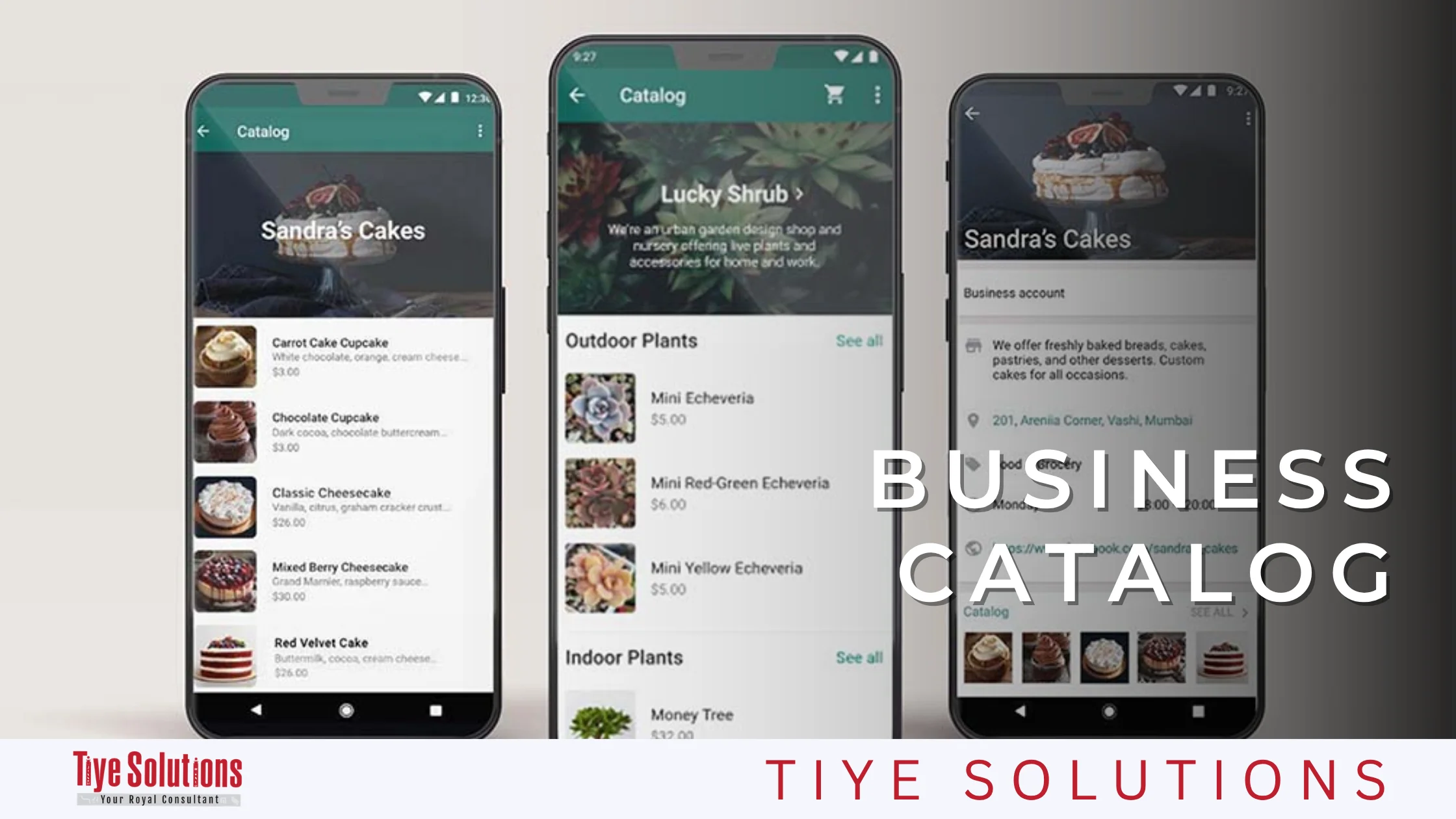
The catalog and automated replies work like an “all-in-one product showroom” and a “smart sales assistant” running inside your account 24 hours a day. These tools are the real key to making the buying journey easier for customers and closing deals quickly, without waiting.
First: The Catalog (Your Storefront on WhatsApp)
Instead of sending customers dozens of scattered photos in a chat, the catalog lets you organize your products or services in one elegant, online place that customers can browse smoothly.
How to set up and use the catalog, step by step:
- Open the feature: Open the app, go to Business Tools, then choose Catalog.
- Add products: Tap “Add new item,” upload clear product photos, then add the name, the price, and a short description of the benefits.
- Organize products into collections: If you have many products, group them into collections (for example, a “Deals and Discounts” section or a “Best Sellers” section).
- Share products: While chatting with a customer, tap the attachment icon and choose Catalog to send a specific product, or send the full catalog link so they can browse on their own.
Second: Automated and Quick Replies (Instant Customer Communication)
Speed is the main driver of online sales. Automated replies make sure no customer is ever ignored, even when you are busy or outside business hours. Fast replies also boost your credibility with customers going forward, so keep this point in mind.
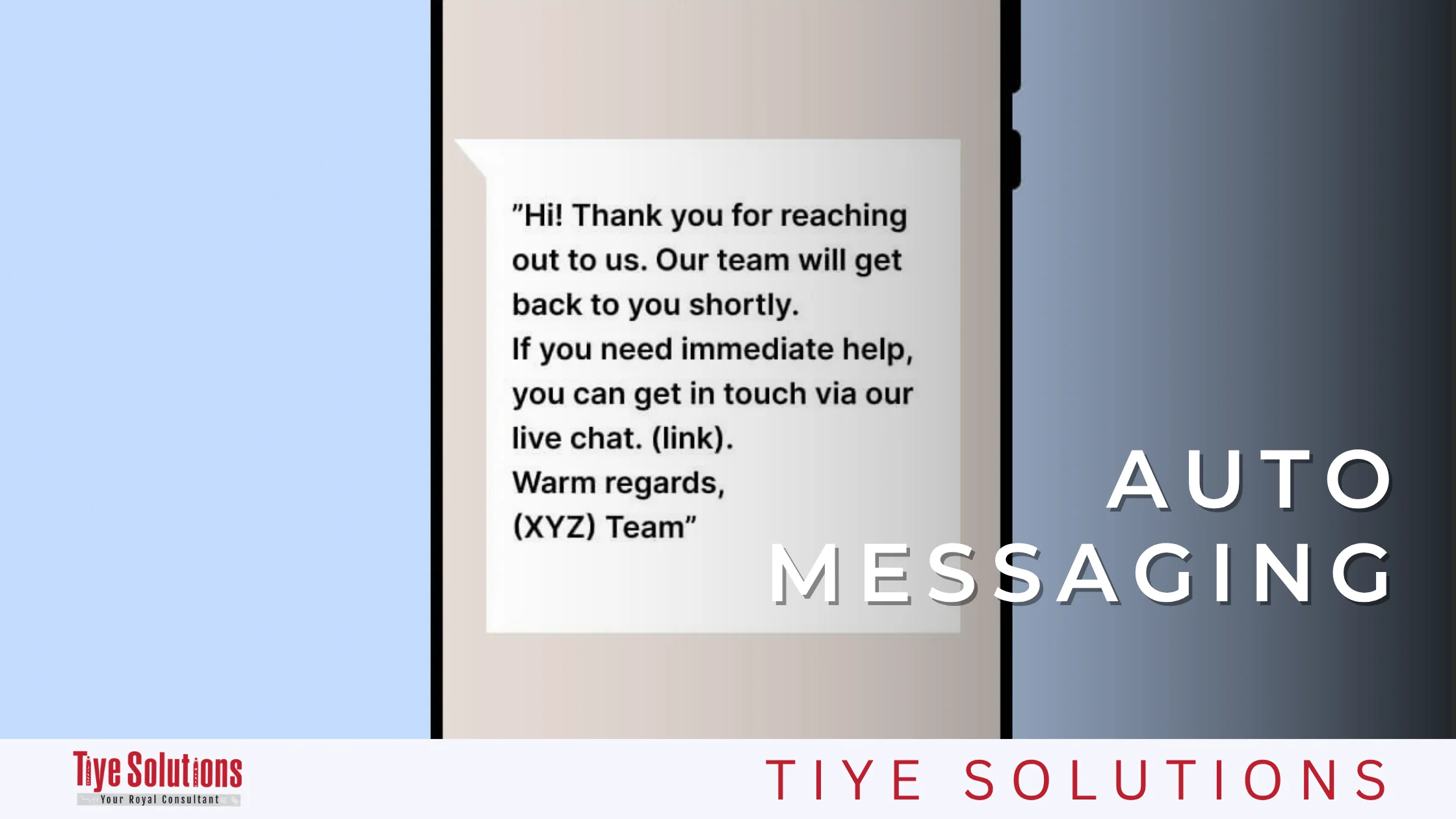
Greeting Message
Sent automatically to any customer who messages your account for the first time, this is an excellent opportunity to leave a positive first impression. For example: “Welcome to [Company Name]! We’re glad you contacted us. You can chat with us directly or browse our product catalog here…”
Away Message
Shown to customers who message you outside official business hours to explain when your team will get back to them. It protects your credibility and keeps customers from walking away to your competitors.
Quick Replies
Quick replies let you save ready-made answers to common questions and reuse them with a single tap, without retyping them every time.
Additional tips
- Create shortcuts such as /shipping to instantly send shipping and delivery details.
- Or a /payment shortcut to explain the available payment methods and bank accounts.
Third: Advanced Automation with a Chatbot
As your business grows and you start using the WhatsApp Business API, you can connect an interactive chatbot that shows customers buttons and advanced option lists (such as [Track Your Order], [Place a New Order], [Talk to Support]). The chatbot then collects the customer’s details and records their order in your system automatically, with no human intervention.
How to Create Effective Marketing Messages
A successful WhatsApp marketing message is completely different from a traditional ad or an email. It must be clear, concise, and address the customer by name.
Elements of the Ideal Marketing Message:
- Personalization: Always start the message with the customer’s name (for example: “Hi Ahmed,…”).
- An attention-grabbing, direct opening: Make the first five words clear and compelling, because they appear in the phone notification.
- Valuable, focused content: Get straight to the point and avoid long introductions.
- Visual media: Attach an attractive image or a short video that shows the product clearly.
- A clear call to action (CTA): Tell the customer exactly what to do next (for example: “Tap here to order” or “Order now and get 20% off”).
A Sample of a Successful Marketing Message:
Practical example: Athar Café
“Hello [Customer Name],
Our new winter collection has finally arrived!
Get an exclusive 15% discount for our WhatsApp subscribers when you order today.
Browse the collection and order straight from the catalog using the link:
[Store or catalog link]
The discount is valid for 48 hours only!”
How to Measure WhatsApp Campaign Results and Analyze Performance
You can’t improve what you can’t measure. To keep your campaigns successful, this WhatsApp Business Marketing Guide recommends tracking and analyzing the following core metrics:
Delivery Rate
The percentage of messages that actually reached customers’ phones out of the total messages you sent. For example, if you send 1,000 messages and 950 are delivered, your delivery rate is 95%. This number helps you clean your database by removing inactive numbers.
Open Rate
The percentage of customers who read your message (the blue ticks appeared) out of those who received it. This metric shows whether your business name and the first line of your message were interesting enough to make the customer open it.
Click-Through Rate (CTR)
The percentage of people who opened the message and then clicked the link or button inside it. It measures how persuasive your offer is and how clear your call to action is.
Response Rate
The percentage of customers who replied to your message or started a conversation with you after receiving it. It is especially important for conversation-driven campaigns such as inquiries, bookings, and customer service.
Conversion Rate
The most important metric, because it measures the percentage of customers who actually took the desired action (purchase, booking, or sign-up) as a result of the campaign. Read messages and clicks are worthless if they don’t turn into results.
How to Read the Metrics Together to Diagnose Problems
| What you notice | Likely problem |
|---|---|
| Low delivery rate | Your database needs cleaning |
| Good delivery, low open rate | Business name, first line, or send timing |
| Good open rate, low click-through | The offer, the call to action, or the message length |
| Good click-through, low conversion | Landing page, price, or checkout steps |
Common WhatsApp Marketing Mistakes and How to Avoid Them
Despite WhatsApp’s power as a marketing tool, misuse can backfire immediately, for example by getting your number blocked or damaging your brand’s reputation.
Here are the most common mistakes and how to avoid them:
| The Problem | The Solution |
|---|---|
| Spamming: Sending multiple messages a day to customers is a leading reason customers block or report your number. | Set a sensible schedule (for example, once or twice a week) and make sure every message delivers real value. |
| Not getting prior customer consent (opt-in): Messaging numbers that were collected or scraped without their owners’ knowledge. | Make sure the customer is the one who contacted you first or agreed to receive updates. |
| Neglecting or delaying replies to customer inquiries: A marketing message opens the door to a conversation; if you are slow to reply, you will lose the customer to competitors. | Use automation tools and a responsive customer service team to ensure fast replies. |
| Long, complicated messages: Writing essays inside a WhatsApp chat puts readers off. | Keep your message short, clear, and broken into focused points. |
| Ignoring WhatsApp’s policies and terms: Promoting products or services that violate the WhatsApp Business Policy. | Review the official policies to make sure your products are fully compliant and avoid having your account permanently shut down. |
WhatsApp Marketing Best Practices
To get the most out of the platform and reach the highest levels of performance, this WhatsApp Business Marketing Guide recommends following these best practices accepted across the digital marketing industry:
- Keep a human, natural tone of voice: Avoid sounding like a stiff robot; use a friendly style that suits your brand, with a balanced use of emojis.
- Offer an exclusive deal to WhatsApp subscribers: Make joining your WhatsApp channel feel special by giving subscribers exclusive offers and early discounts before your other social media platforms.
- Make opting out easy: Always give customers a simple way to stop receiving messages (for example: “To unsubscribe, reply STOP”). This increases respect for your brand and reduces report rates.
- Integrate WhatsApp with your other marketing channels: Connect WhatsApp with your website’s search engine optimization (SEO) campaigns and content so that visitors arriving from search engines turn into WhatsApp conversations directly.
- Keep testing and improving (A/B testing): Try different message wording, different send times, and different media types to find the winning formula that delivers the highest sales.
Frequently Asked Questions About WhatsApp Marketing (FAQ)
These frequently asked questions give you quick, direct answers to the essentials of this WhatsApp Business Marketing Guide.
Is the WhatsApp Business app free?
Yes. The standard WhatsApp Business app is free to download on Android and iOS devices and is suitable for small businesses. The WhatsApp Business Platform (API), designed for medium and large companies, involves costs based on the intermediary platforms you use and the number of conversations you conduct, according to Meta’s pricing.
How do I keep my WhatsApp number safe and avoid getting banned during campaigns?
To avoid a ban, don’t buy random phone number databases, don’t send huge volumes of messages all at once from a regular free account, make sure you get customers’ prior consent (opt-in), and follow WhatsApp’s business terms and policies closely.
What is the maximum number of recipients in a broadcast list?
In the free WhatsApp Business app, you can add up to 256 contacts to a single broadcast list, and only customers who have saved your number in their contacts will receive the message. With the WhatsApp Business API, you can send thousands of messages per day, without recipients needing to save your number.
Can WhatsApp Business be connected to a CRM system?
Yes, it can be integrated flexibly with a wide range of customer relationship management (CRM) systems (such as HubSpot, Salesforce, and Zoho) and e-commerce stores. However, this requires the WhatsApp Business API to get the permissions needed for advanced programmatic integration and data exchange.
What is the difference between a WhatsApp chatbot and standard automated replies?
Standard automated replies are fixed, pre-written texts sent for greetings or when you are away. A WhatsApp chatbot, on the other hand, relies on artificial intelligence and programmed rules to hold a fully interactive conversation with the customer, understand their different questions, and help them make a buying decision automatically.
How can I collect customer phone numbers legally for WhatsApp marketing?
You can do so by offering a WhatsApp subscription option on your website, running paid social media ads that send users to a WhatsApp chat (Click-to-WhatsApp), or offering a special discount in exchange for registering with their phone number.
How to Develop Your WhatsApp Marketing Strategy for Business Growth
Making the most of WhatsApp for marketing isn’t limited to sending messages to customers. It depends on building a complete strategy that combines understanding your audience, delivering the right content, choosing the right timing, and continuously tracking results.
This is where Tiye Solutions comes in, helping businesses develop digital marketing strategies and choose the right solutions for their goals, supporting effective communication with customers and improving marketing performance. Integrating modern communication tools like WhatsApp into your organization’s complete marketing ecosystem is the decisive step between simply sending messages and achieving real, sustainable growth in sales and customer loyalty.